
Name-Based Case Searches
A docket search by name only works once you know which court holds the case. That depends on the type of matter. In Rockwall County, felony, major civil, family, and juvenile cases sit with the District Clerk.
County Courts at Law are different. Their misdemeanor, probate, guardianship, and assigned civil dockets belong to the County Clerk instead.
Lower courts keep their own records. Justice of the Peace and municipal court cases stay with those courts. A ticket or small claim lookup starts there.
- Open the county Records and Transparency page and choose Judicial Records Search.
- Enter the surname first, then the given name if the portal offers those fields.
- Narrow by the exact court, case type, or filing date when those controls appear.
- Compare case number, court, caption, and date before opening a result.
- Use the correct clerk, precinct, or city court if the result is absent or unclear.
The county Tyler portal does not always load for the public, and its required fields and controls may not be reachable. So treat a blank screen with caution. It never proves a case file is missing.
| Search field | What is known | Use |
|---|---|---|
| Party name | Expected case-search key; exact local UI unverified | Begin with surname and narrow carefully |
| Court | District, CCL, JP, or municipal assignment matters | Prevents cross-court false matches |
| Case type | Coverage varies by court and access rule | Separates civil, criminal, family, probate, and other files |
| Filing date | Available in re:SearchTX criteria where supported | Reduces common-name results |
Rockwall County Tyler Search
Rockwall County calls its official portal "Judicial Records Search." It is a route to hearings and court records. The county-hosted Tyler link is not the same as Public Access Records. That site covers other county records. It is also separate from eFileTexas, the filing channel.
The judicial portal can throw 403 and 502 server errors. That matters. When it does, features stay out of reach. Dropdowns, pagination, refresh timing, document links, login rules, and fees all vanish. If the site opens, write down the court and case number before trusting any result. If it fails, go straight to the clerk fallback instead of retrying without end.
Portal unavailable? District cases route to the District Clerk; County Court at Law matters route to the County Clerk; JP and city cases remain with their own courts.
Case Number Searches
A case number is usually the strongest Rockwall County search key. The county publishes no single universal format. Never build a number from a guessed year, court code, or sequence. Copy it exactly from a citation, notice, pleading, judgment, or an earlier docket result.
Enter the identifier as printed. Save the original first, and only then try stripping punctuation if nothing comes back. Also consider whether the case lives in a different clerk system or precinct. A safe template is just CASE NUMBER AS FILED. No county-specific code segments are confirmed. Transfers and appeals can add a second cause reference. The originating trial record stays with its clerk.
Rockwall County JP Archive Search
Older and schedule-based Justice Court records need another route. The County Archive Center lists JP1 through JP4 docket categories and older county documents. 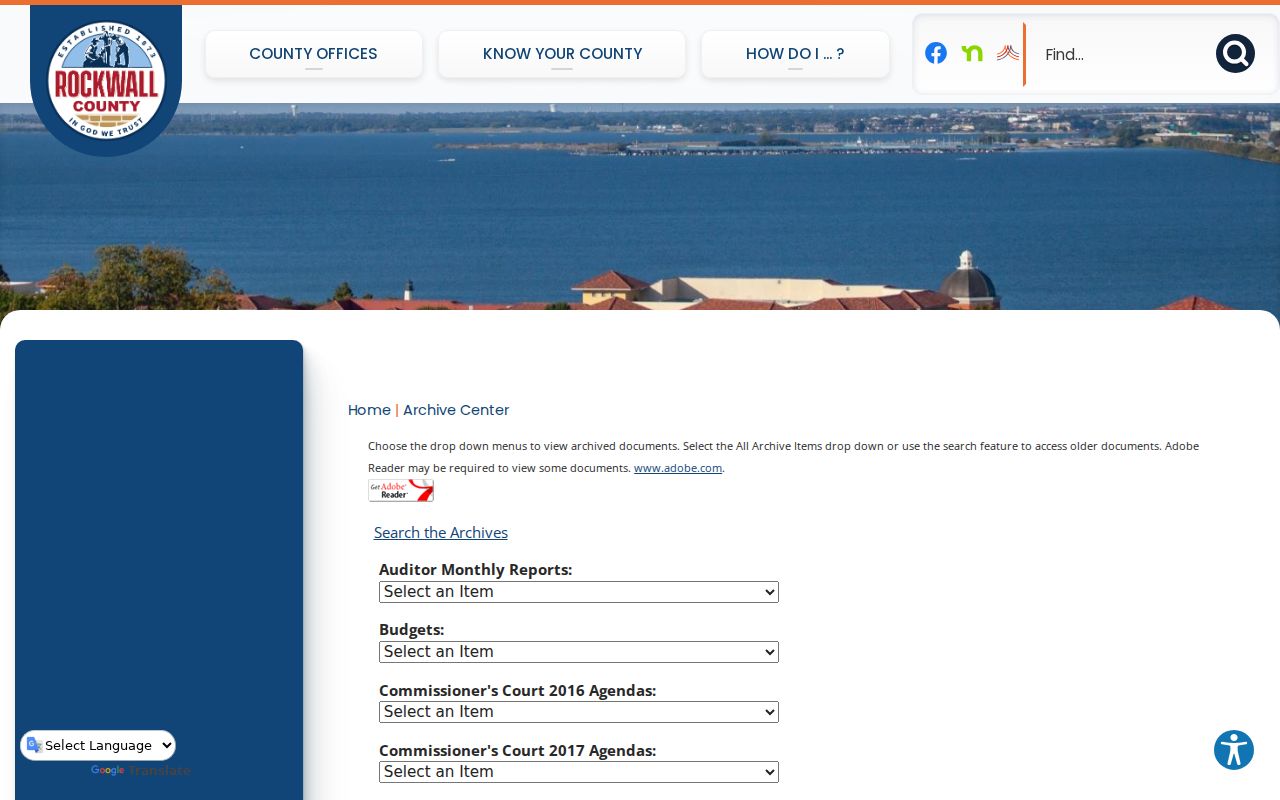 The archive is a useful index, but it is not proof that all old files are online.
JP2 also publishes an upcoming hearings and trials route. 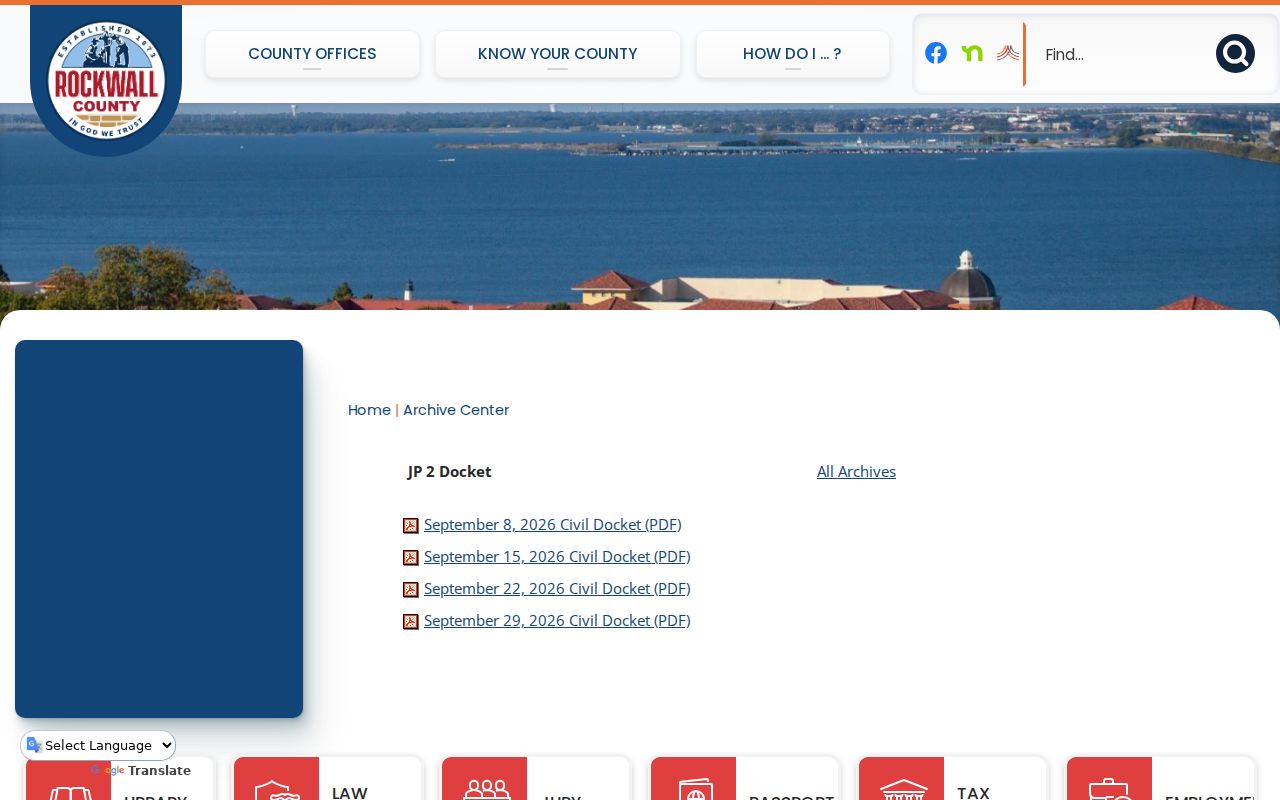 Its PDFs are calendar slices with date and docket context. They do not replace a full register of filings, orders, and final disposition. Search by precinct, then ask that JP office about the underlying file.
Case Search Results Explained
A public result is a finding aid, nothing more. The statewide official guide lays out the fields and functions a portal may show. Access and detail still vary by county.
| Case number | The court identifier and strongest key for a follow-up search. |
|---|---|
| Case style | The formal caption or party roles, subject to redaction. |
| Court and type | The office and category that determine custody and access. |
| Filed date and status | When the matter began and the current label shown by that system. |
| Docket entries | Dated filings, orders, notices, settings, returns, and disposition events. |
| Documents | Images where public and available; fees or registration may apply. |
An entry is not the signed document, and a status line is not a full legal explanation. When proof matters, request the order, judgment, or certified copy from the clerk that holds the file.
Rockwall County re:SearchTX Tools
re:SearchTX is the statewide layer for participating Texas courts. 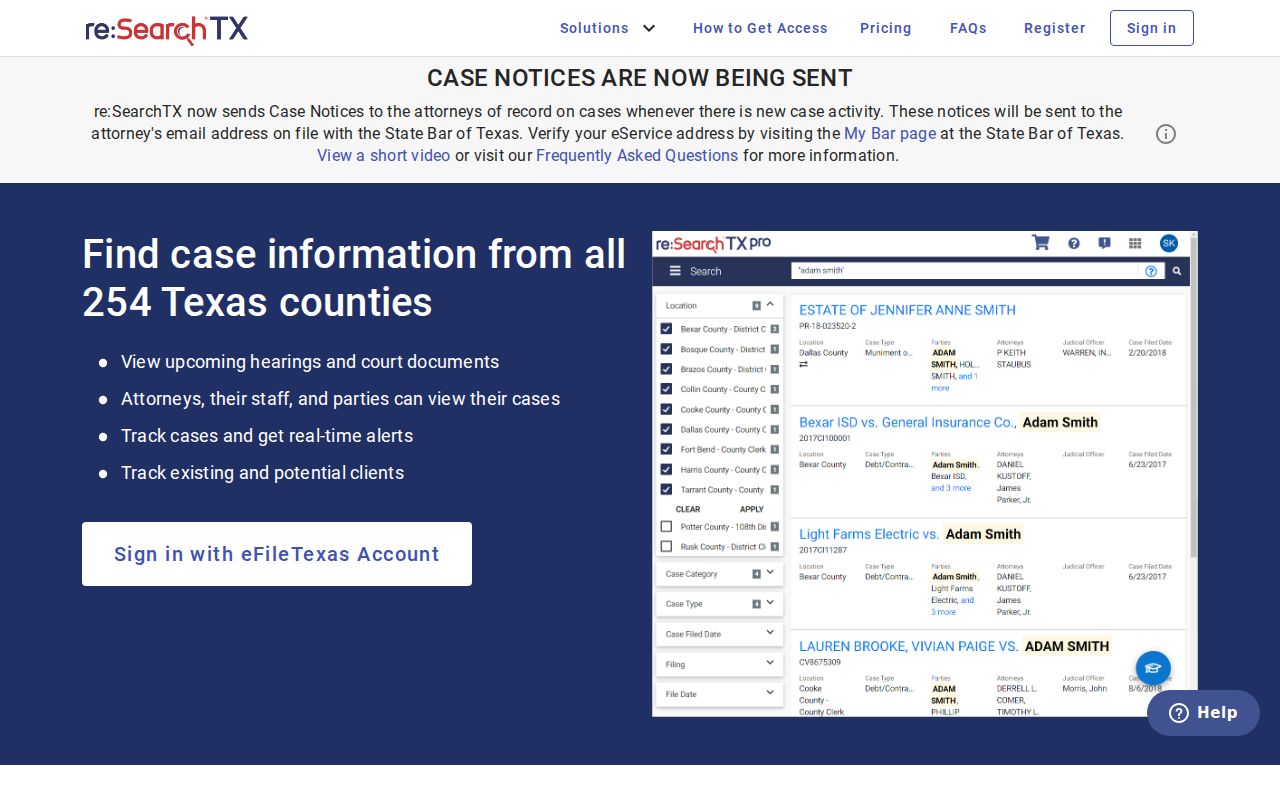 Its presence does not promise complete Rockwall County coverage, especially for restricted documents or every criminal case.
The official guide walks through Cases and Hearings tabs, Advanced criteria, a Search By selector, Search and Reset controls. It covers sorting by filing date or case number. Fields can turn on the criteria you pick. Options include party, attorney, judge, case number, court, type, filing date, and hearing data. It also documents a * wildcard for party, attorney, and judge names. Export, saved folders, alerts, and sharing are covered too.
Two Ways to Search: County and State
The county and statewide systems overlap without being interchangeable. If a known case is missing from one, try the other, then send the final request to the clerk who holds the file.
| Channel | Best use | Limit |
|---|---|---|
| County Judicial Records Search | Known Rockwall County hearing or court case | Live UI and coverage were blocked during inspection |
| re:SearchTX | Participating Texas cases and hearings | Not every local case or public document is promised |
| Clerk or court | Authoritative confirmation and copies | Must choose the right office |
| JP or city route | Precinct and municipal matters | May show status or calendar rather than a full register |
A municipal citation search is not a county register. An eFileTexas receipt likewise shows filing activity, not public docket access.
Rockwall County Clerk Split
The District Clerk counter sits in Suite 200 at 1111 E Yellowjacket Lane, Rockwall, Texas 75087. It has phone 972-204-6500 and fax 972-204-6509, and it serves the district courts. The County Clerk counter is Suite 100 at the same address. It is reachable at 972-204-6300 with fax 972-204-6309. It handles County Courts at Law plus other assigned county-court matters.
Both offices generally post weekday hours of 8 a.m. to 5 p.m. Money stops earlier. The cutoff is 4:30 p.m. for the District Clerk and 4 p.m. for the County Clerk. Address mail to the right suite. Call ahead for current copy and payment instructions. The District Clerk publishes an email, lcarlson@rockwallcountytexas.com. Do not email sensitive material without confirmation.
Which Cases Stay Restricted
Law or court order keeps some Rockwall County search results limited or absent. Juvenile records carry special limits under Texas Family Code Chapter 58. Texas appellate rules require sensitive identifiers to be redacted. Sealed civil material may be withheld under Rule 76a, and protected criminal, family, victim, witness, health, or exhibit information may not appear.
A "no result" can also mean a misspelled name or the wrong court. It can reflect a portal outage. Indexing delay, older archive-only material, or an excluded case type can also hide a case. Change one search item at a time. Check the precinct or city. Then ask the clerk whether the record is archived, restricted, or held elsewhere. A blank screen proves nothing about a case.
Ask for Missing Rockwall County Records
Say the Rockwall County docket search comes up empty. Your next move is a direct request. Gather the basics first: party name, case number, the court, and the filing date. A date range works too. Then call the clerk or ask at the counter. Mail works too, once you confirm current payment instructions and the right clerk suite. The District Clerk also publishes fax and email channels. Those are handy for asking which process fits your court records request.
Two rules matter here. Rule 12 covers certain judicial records that sit outside the normal case file. And Texas Government Code Chapter 552 offers no shortcut around those court-record rules. Older material may live with the Archive Center and the clerk. Need the whole file or a certified order? Use the Rockwall County court record request path instead of relying on a portal page.